

Newsletter
TechAnV Blog
Get updates on security engineering, Rust, eBPF, and DevSecOps. No spam, unsubscribe anytime.
Check your inbox and click the confirmation link to complete your subscription.
Simple load testing with Locust#
I’ve been using Locust recently to run some load tests - most significantly these tests against SQLite running with Django and this test exercising Datasette and Gunicorn.
A really basic test#
Locust tests are defined in a locustfile.py file. Here’s the most basic possible test, which sends requests to the / page of a web application:
1from locust import HttpUser, task2
3class Page(HttpUser):4    @task5    def index(self):6        self.client.get("/")
The web interface#
With this saved as locustfile.py you can run it in two ways. You can start a web interface to Locust like this:
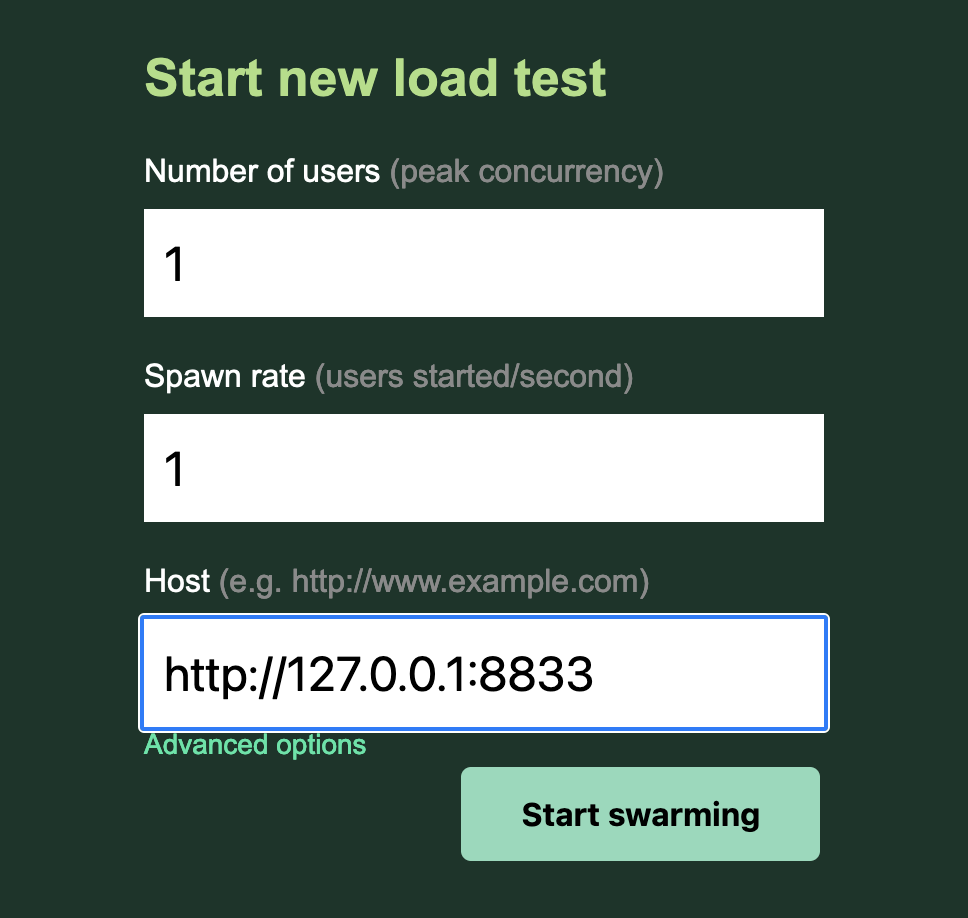
1locustThis opens a web server on http://0.0.0.0:8089/ (by default) which offers an interface for starting a new test:
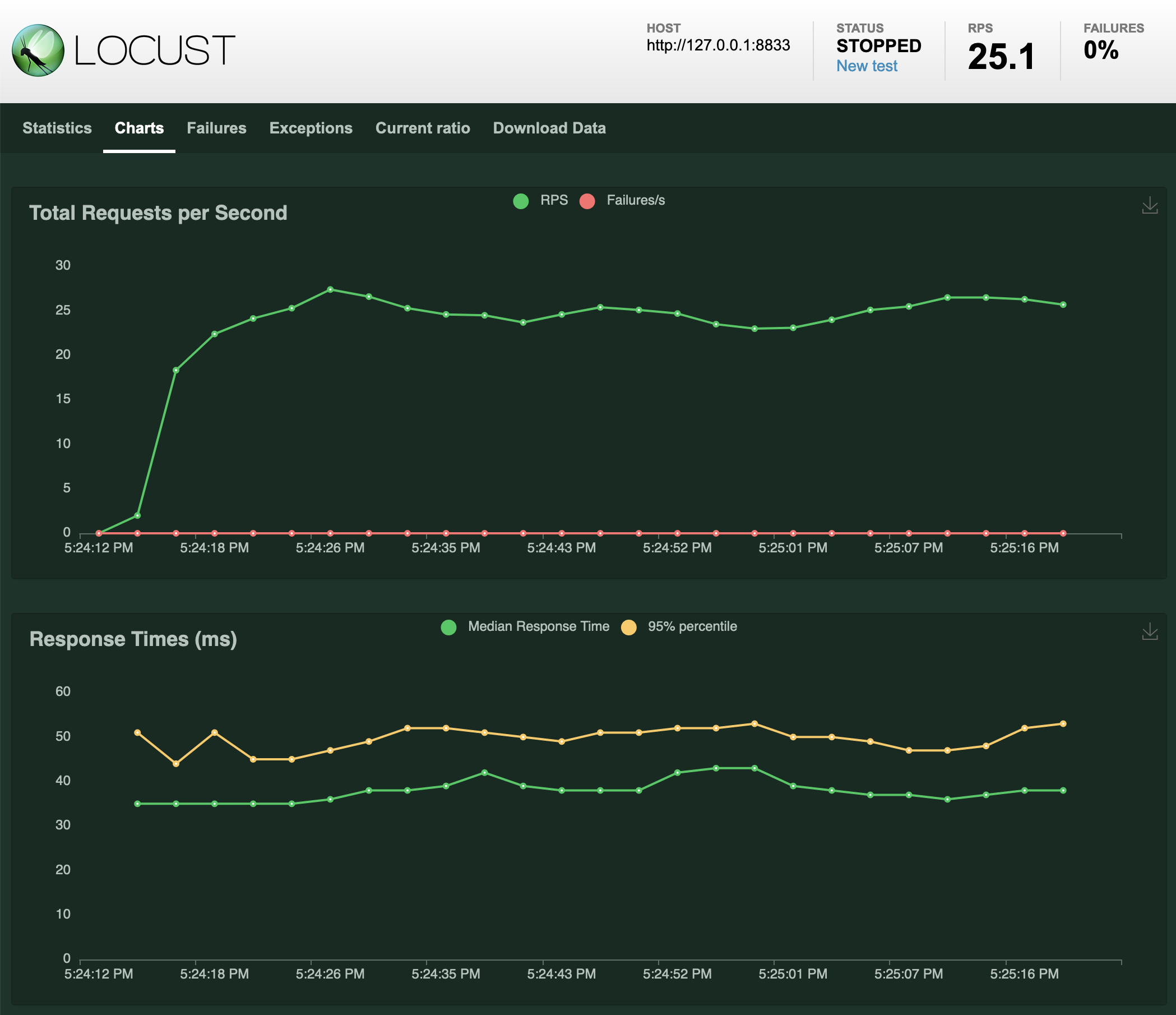
You can run this for as long as you like, and it will produce both statistics on the load test and some pleasing charts:
Using the command-line#
You can also run tests without the web server at all. I tend to use this option as it’s quicker to repeat a test, and you can easily copy and paste the results into a GitHub issue thread.
1locust --headless --users 4 --spawn-rate 2 -H http://127.0.0.1:8001This runs the tests in the current locustfile.py against http://127.0.0.1:8001, with four concurrent users and ramping up at 2 users every second (so taking two seconds to ramp up to full concurrency).
Hit Ctrl+C to end the test. It will end up producing something like this:
1Type     Name                                                                          # reqs      # fails |    Avg     Min     Max    Med |   req/s  failures/s2--------|----------------------------------------------------------------------------|-------|-------------|-------|-------|-------|-------|--------|-----------3GET      /fixtures/sortable                                                               475     0(0.00%) |    169     110     483    170 |   23.58        0.004--------|----------------------------------------------------------------------------|-------|-------------|-------|-------|-------|-------|--------|-----------5         Aggregated                                                                       475     0(0.00%) |    169     110     483    170 |   23.58        0.006
7Response time percentiles (approximated)8Type     Name                                                                                  50%    66%    75%    80%    90%    95%    98%    99%  99.9% 99.99%   100% # reqs9--------|--------------------------------------------------------------------------------|--------|------|------|------|------|------|------|------|------|------|------|------10GET      /fixtures/sortable                                                                    170    170    180    180    190    200    210    250    480    480    480    47511--------|--------------------------------------------------------------------------------|--------|------|------|------|------|------|------|------|------|------|------|------12         Aggregated                                                                            170    170    180    180    190    200    210    250    480    480    480    475
More complicated tests#
Locust tests can get a lot more complex than this. The documentation provides this example:
1import time2from locust import HttpUser, task, between3
4class QuickstartUser(HttpUser):5    wait_time = between(1, 5)6
7    @task8    def hello_world(self):9        self.client.get("/hello")10        self.client.get("/world")11
12    @task(3)13    def view_items(self):14        for item_id in range(10):15            self.client.get(f"/item?id={item_id}", name="/item")16            time.sleep(1)17
18    def on_start(self):19        self.client.post("/login", json={"username":"foo", "password":"bar"})
This illustrates some neat concepts. Each “user” will constantly pick a task at random, where a task is a method decorated with the @task decorator. @task(3) here gives that task a weight of three, so it’s three times more likely to be accepted.
The self.client can maintain cookie state between requests, with each user getting a separate copy. on_start is used here to log the user in, but also demonstrates how POST requests can work against APIs that accept JSON.