

Newsletter
TechAnV Blog
Get updates on security engineering, Rust, eBPF, and DevSecOps. No spam, unsubscribe anytime.
Check your inbox and click the confirmation link to complete your subscription.
Set a GIF to loop using ImageMagick#
I managed to accidentally create a GIF that ran once without looping. I think this is because I created it in LICEcap but then deleted some frames and re-saved it using macOS Preview.
I used ImageMagick to get it to loop like this:
1convert chrome-samesite-missing.gif -loop 0 chrome-samesite-missing-loop.gifNote that the output filename comes last, AFTER the -loop 0 option.
I installed ImageMagick on macOS using brew install imagemagick
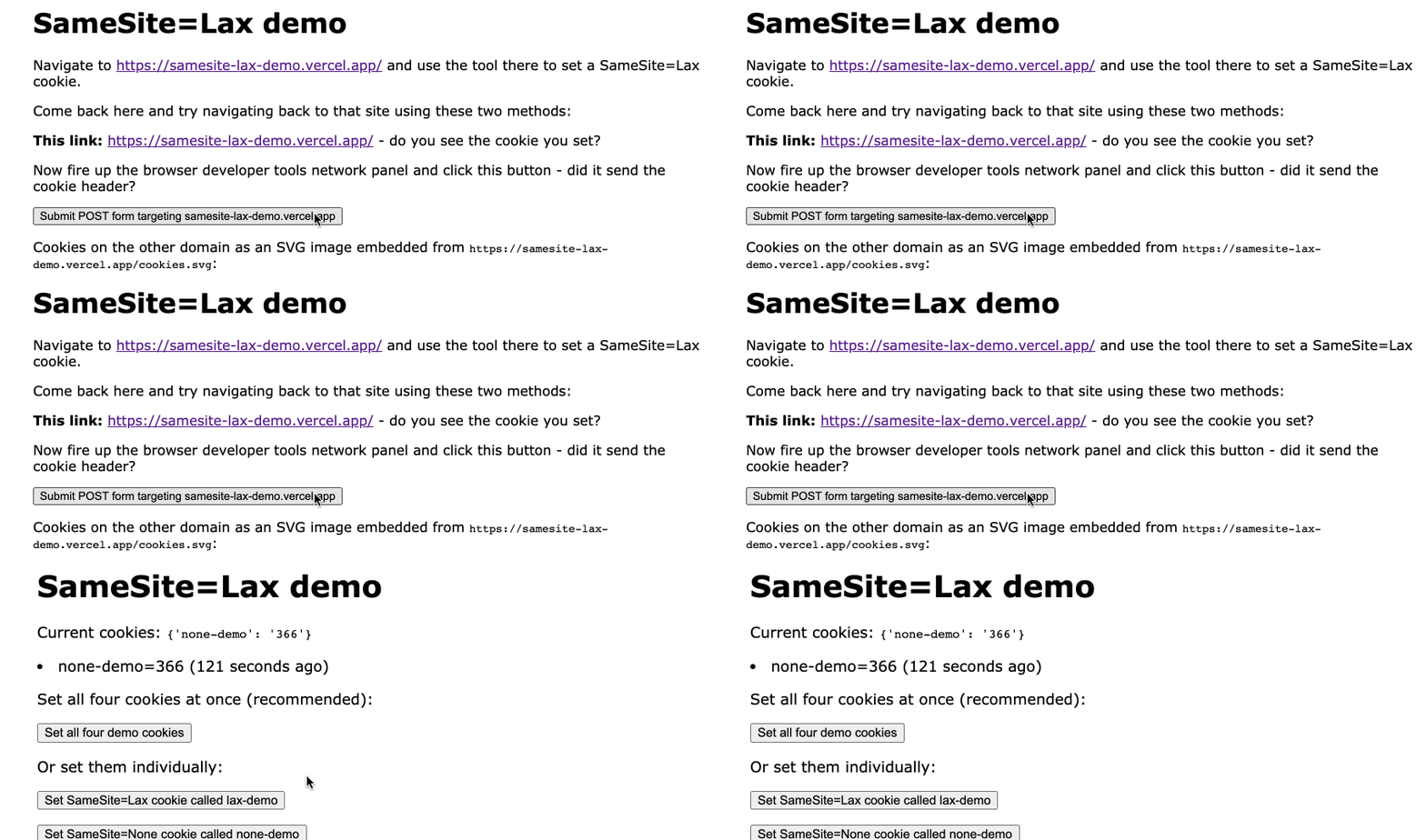
Here’s the before GIF:
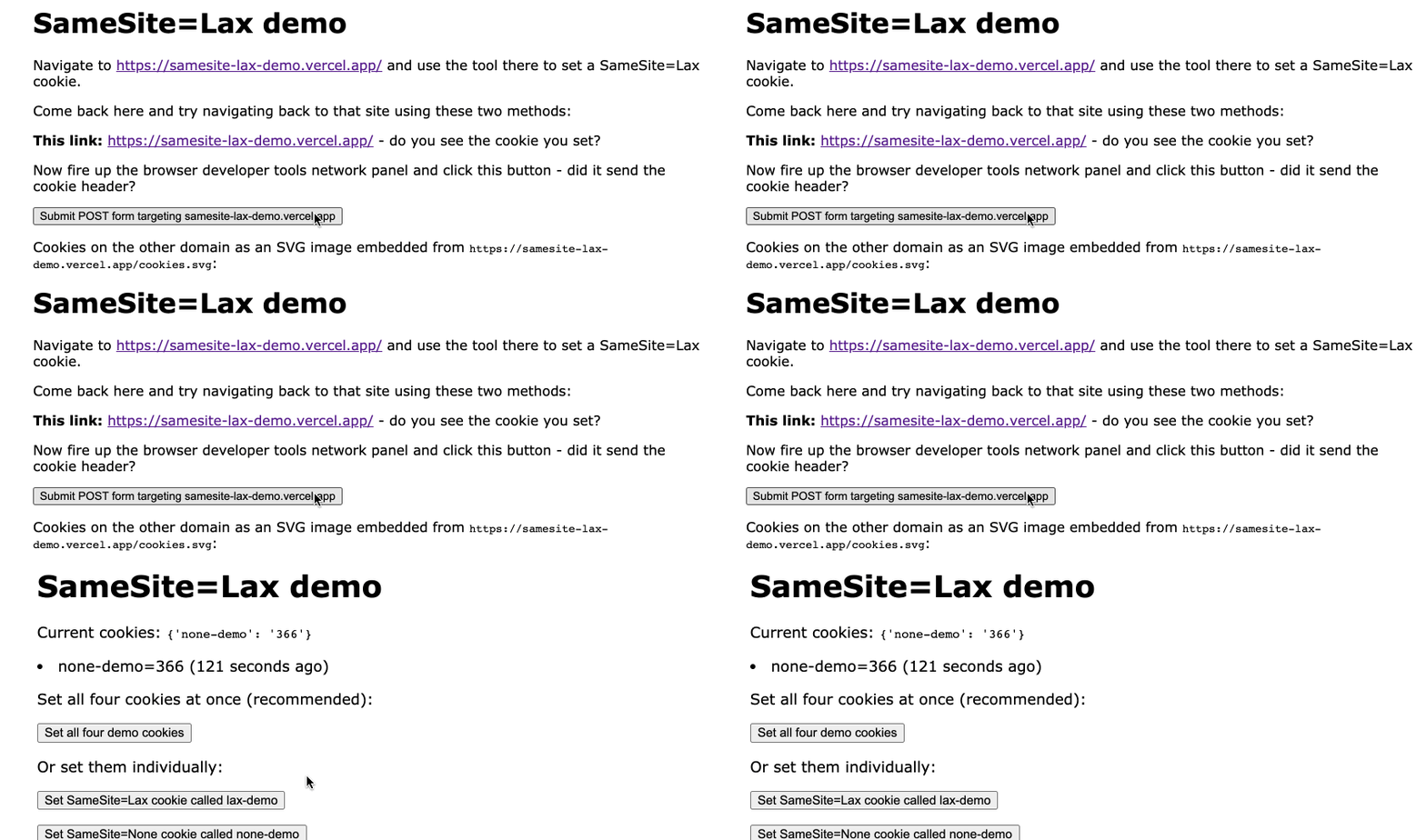
And the after GIF:
Newsletter
TechAnV Blog
Get updates on security engineering, Rust, eBPF, and DevSecOps. No spam, unsubscribe anytime.
Check your inbox and click the confirmation link to complete your subscription.