

Newsletter
TechAnV Blog
Get updates on security engineering, Rust, eBPF, and DevSecOps. No spam, unsubscribe anytime.
Check your inbox and click the confirmation link to complete your subscription.
Search across all loaded resources in Firefox#
You can search for a string in any resource loaded by a page (including across HTML, JavaScript and CSS) in the Debugger pane by hitting Command+Shift+F.
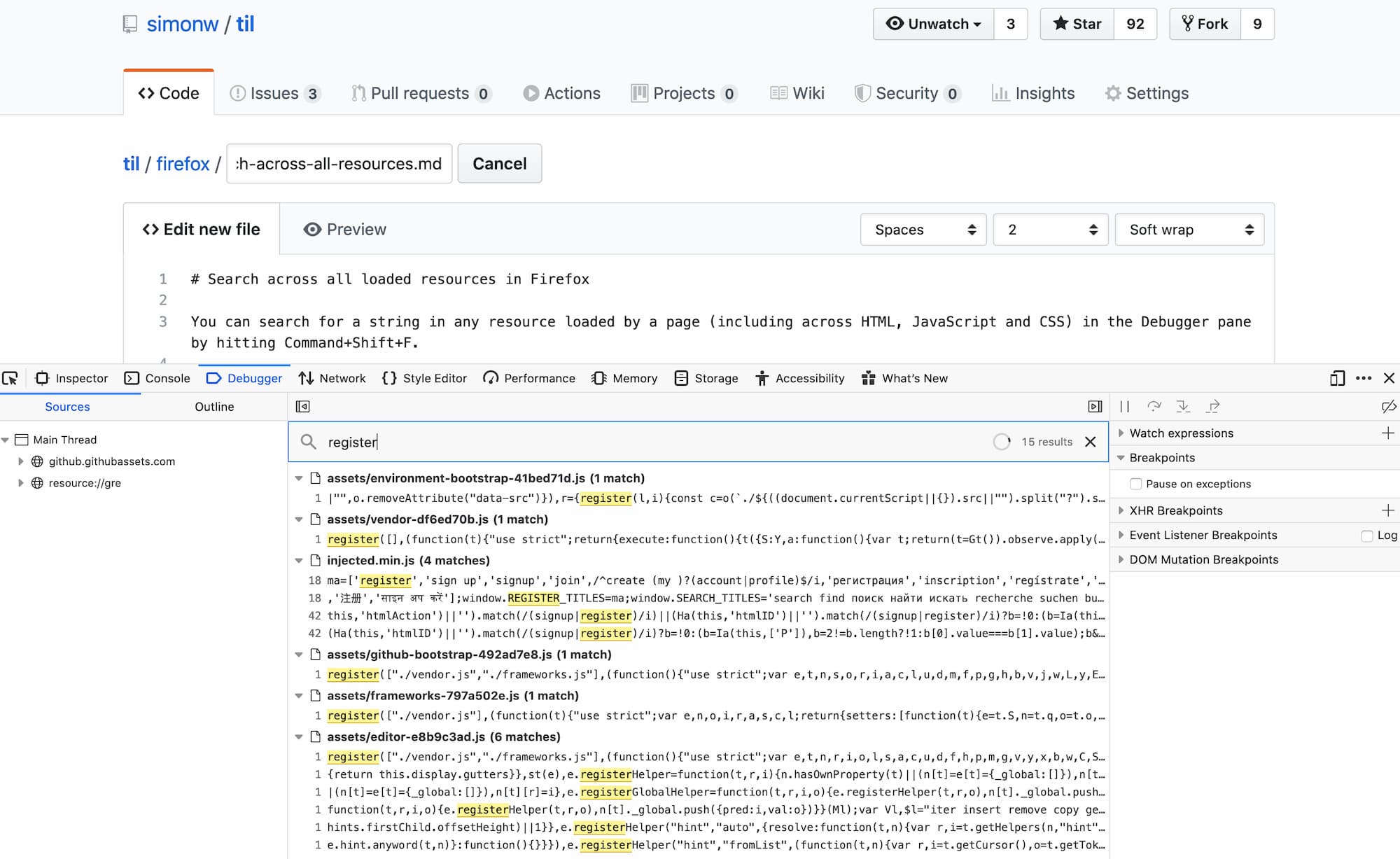
This view doesn’t search the body of any JSON assets that were fetched by code, presumably because JSON isn’t automatically loaded into memory by the browser.
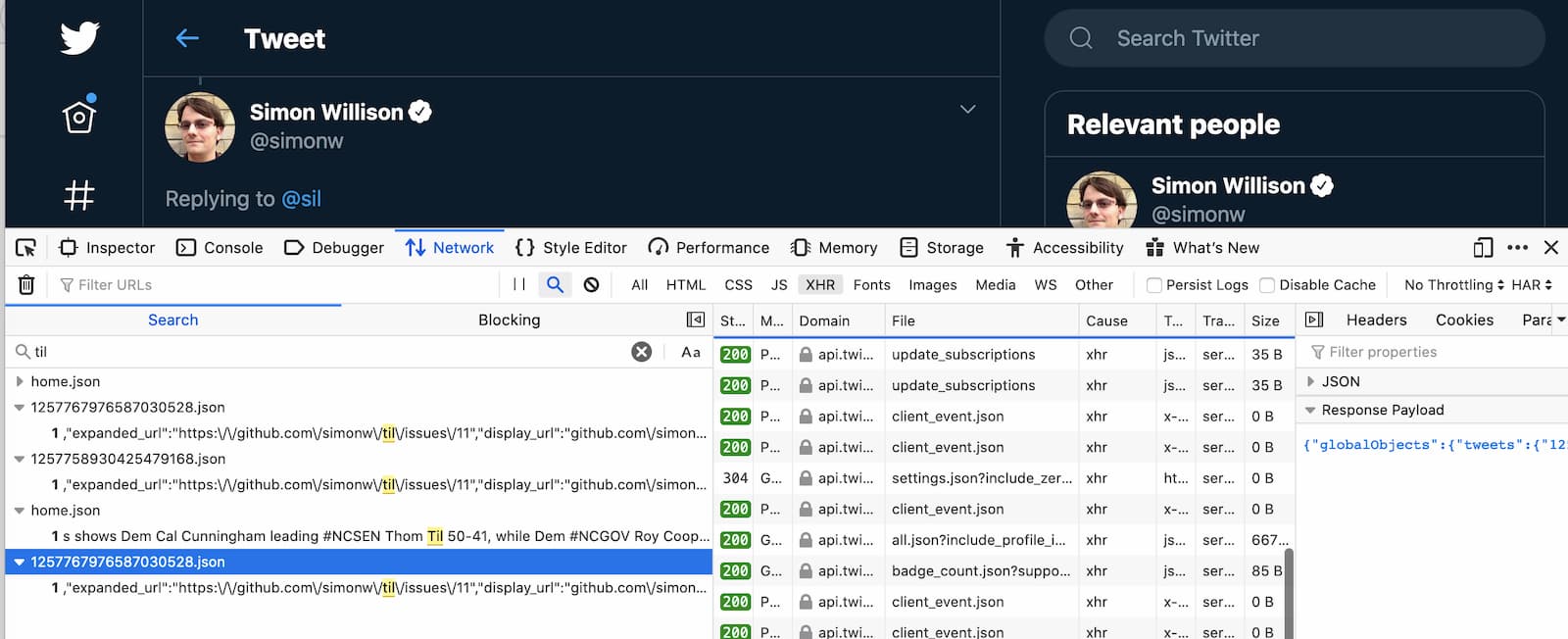
But (thanks, @digitarald) the Network pane DOES let you search for content in assets fetched via Ajax/fetch() etc - though you do have to run the search before you trigger the requests that the search should cover. Again, the shortcut is Command+Shift+F.
Newsletter
TechAnV Blog
Get updates on security engineering, Rust, eBPF, and DevSecOps. No spam, unsubscribe anytime.
Check your inbox and click the confirmation link to complete your subscription.