Newsletter
TechAnV Blog
Get updates on security engineering, Rust, eBPF, and DevSecOps. No spam, unsubscribe anytime.
Check your inbox and click the confirmation link to complete your subscription.
Creating desktop backgrounds using Midjourney#
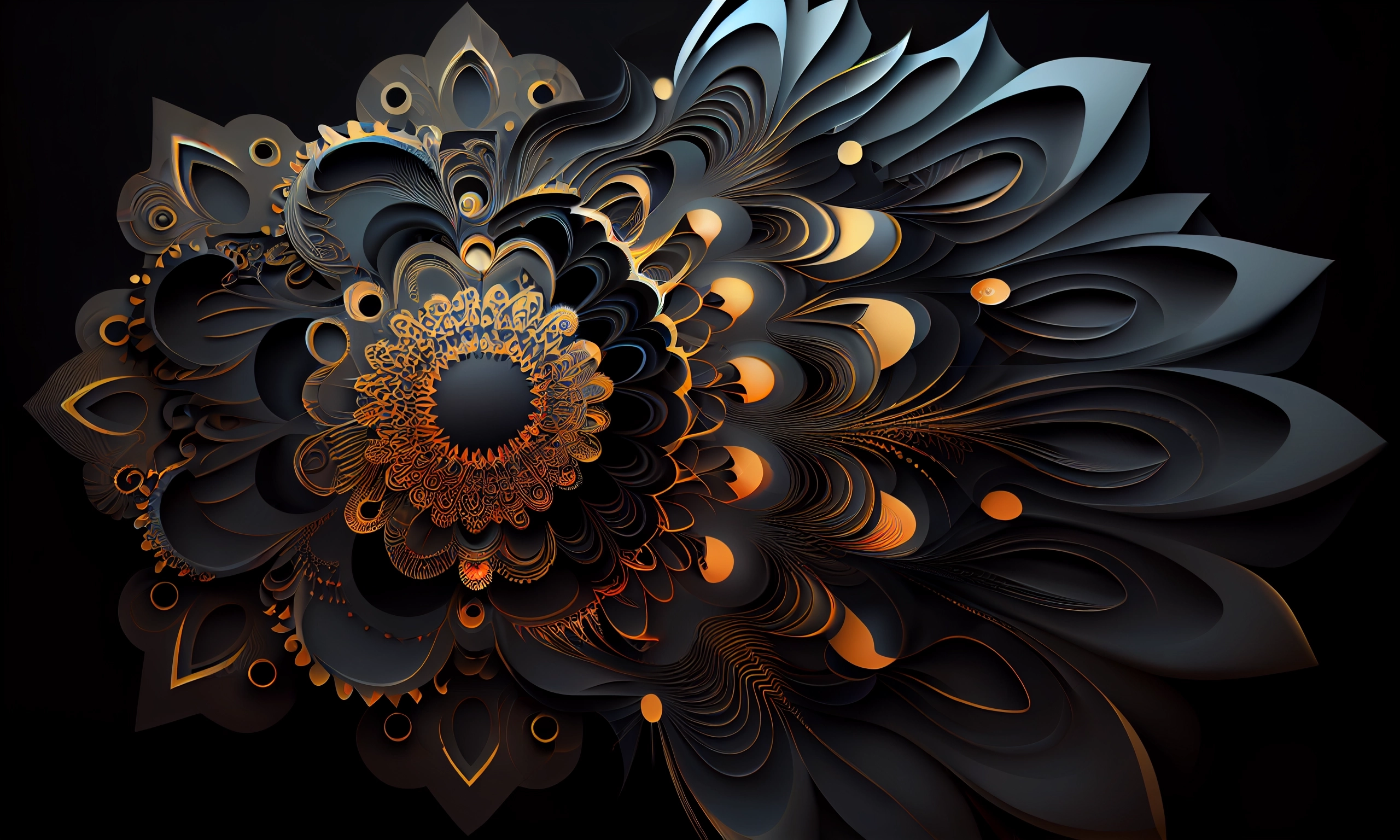
I decided to create a new desktop background for my Mac using Midjourney. My laptop has a 16:10 aspect ratio and a retina screen, so I wanted as high a resolution image as possible.
After some experimentation, I learned that Midjourney v5 can produce a maximum image in that aspect ratio of 1376 × 864 pixels - but Midjourney v4 can produce 2560 × 1536 pixels.
This is true as-of my experiments on 10th April 2023 - Midjourney is constantly improving so this limitation may no longer apply when you read this.
Here’s the prompt I passed to their bot on Discord:
vector dark background, paper art, encouraging, technical, complex fractal patterns. abstract, small achievable goals —ar 16:10 —no letters —upbeta
The --ar 16:10 sets the aspect ratio. --no letters sets a negative prompt on letters - I didn’t want any words coming through on the generated image. --upbeta turns on the beta upscaler which means when you later select an image to upscale (by clicking the U1 through U4 buttons) they will come out at a significantly higher resolution.
I originally tried using --v 5 to get Midjourney v5, before I found out that it doesn’t support the higher resolution upscaler.
I saved the resulting image from Discord as a 866KB .webp file. When I converted it to a PNG using Preview I got this: