

Atuin for zsh shell history in SQLite
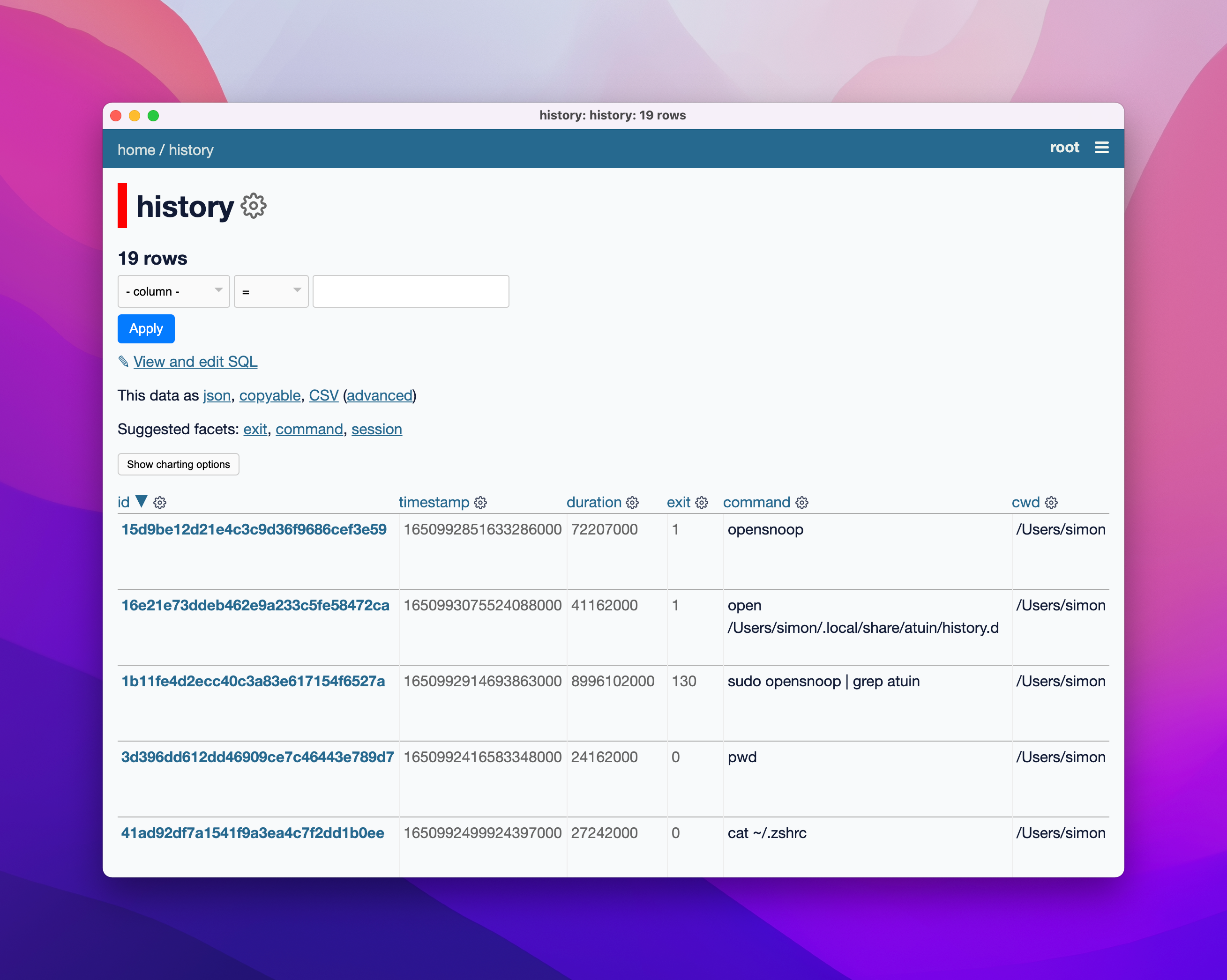
Atuin (via Rhet Turnbull) “replaces your existing shell history with a SQLite database”. Obviously I had to try this out!
I installed it with Homebrew:
brew install atuinThen ran this to add it to my .zshrc config:
echo 'eval "$(atuin init zsh)"' >> ~/.zshrcI restarted my terminal… and now I have a SQLite database full of commands I have run!
The database lives at ~/.local/share/atuin/history.db (I figured that out with this TIL), and can be opened in Datasette.
Removing the “up” key binding
Atuin hijacks the Ctrl+R shortcut to provide an interactive search window, which I really like:

But it also hijacks the Up arrow key, which I didn’t like - it interfered with how I usually use that (quickly getting back my previous command and editing it).
This thread in the Atuin issues lead me to a solution - though the fix there put my cursor at the start of the line when I wanted it at the end of the line instead. This StackExchange showed me the fix for that.
I edited my ~/.zshrc file and replaced the atuin bit at the bottom with this:
eval "$(atuin init zsh)"# Restore original up binding: https://til.simonwillison.net/macos/atuinautoload -U history-search-endzle -N history-beginning-search-backward-end history-search-endbindkey "^[[A" history-beginning-search-backward-end